WhatsApp Business for Growth: Catalogue, Broadcasts, and Follow-Ups That Sell
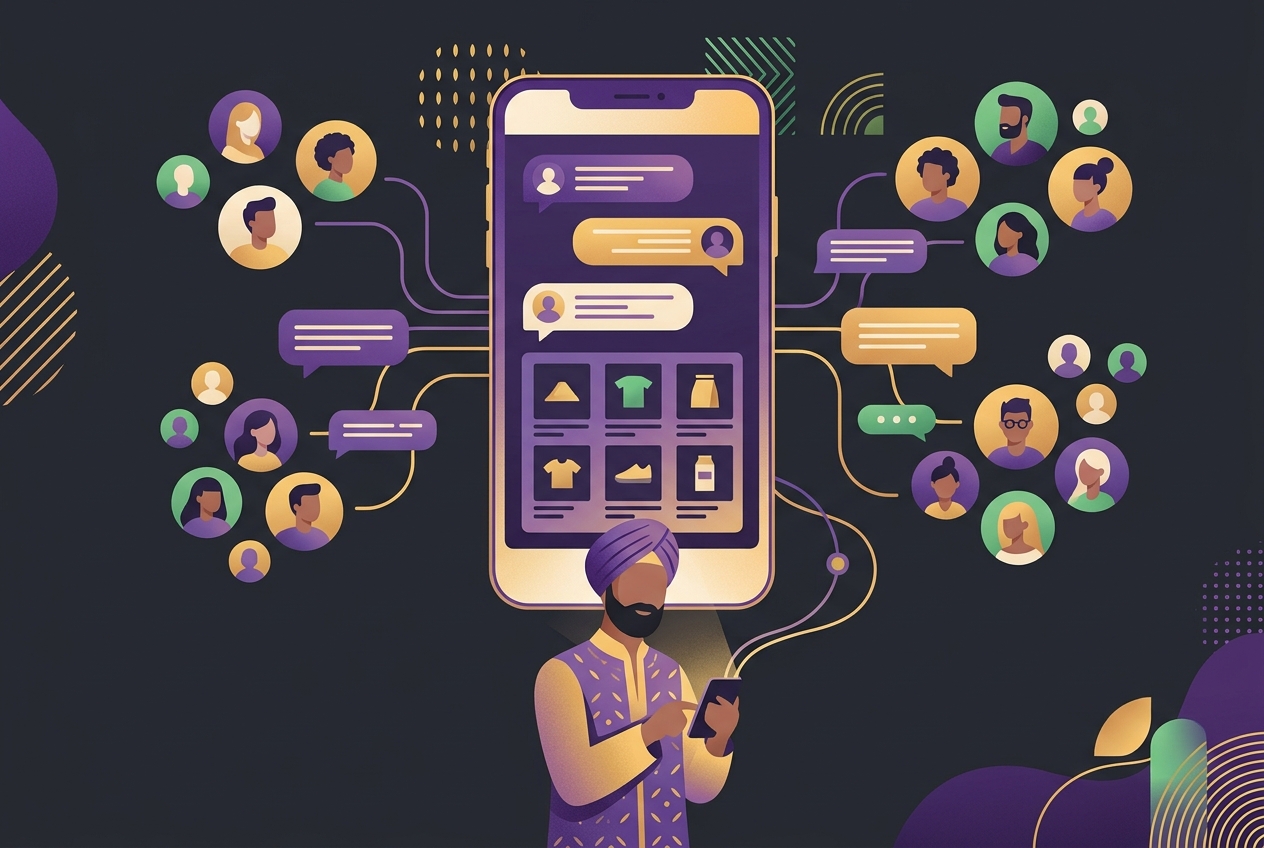
Most Indian business owners already use WhatsApp to talk to customers. The problem is they do it in the most exhausting way possible: typing the same message fifty times, forgetting who they promised a callback to, sending a product photo from their personal number at 11 PM. It works, barely, until it does not.
WhatsApp Business was built to fix exactly this. It gives you a proper business profile, a product catalogue, quick replies, broadcast lists, and, if you need scale, access to the API. The gap between businesses that grow on WhatsApp and those that just survive on it usually comes down to three things: structure, consistency, and a little bit of strategy.
Key Takeaways
Why WhatsApp Works Better Than Email or SMS for Indian Businesses
Open rates on WhatsApp messages are dramatically higher than email for most Indian audiences. That is not a made-up stat. You have seen it yourself. When did you last leave a WhatsApp message unread for three days?
For tier-2 and tier-3 city businesses especially, WhatsApp is the primary business communication tool. Customers in Nagpur, Coimbatore, Rajkot, or Siliguri may not check email regularly, but they are on WhatsApp all day. They share payment confirmations, photos of their issues, and product queries all in the same chat thread.
Add to that the fact that WhatsApp supports regional languages natively. You can send messages in Hindi, Tamil, Marathi, or Bengali without any awkward formatting. That kind of comfort builds trust faster than any fancy website copy.
How to Set Up Your WhatsApp Business Profile the Right Way
Your business profile is the first thing a new contact sees before they decide to reply. Most businesses fill in the basics and stop there. Do not do that.
Steps to build a complete profile
A filled-out profile also helps when customers search for your business number on Google or get it from a Google Maps listing. They land on your WhatsApp and immediately see a legitimate business, not a random number.
What Is a WhatsApp Catalogue and How Should You Use It?
A WhatsApp catalogue is essentially a product or service menu that lives inside your chat. When you share it with a customer, they can browse items, see prices and descriptions, and send you an enquiry directly from the catalogue view.
Take a saree shop in Surat. Instead of sending twenty individual photos in a chat and typing prices each time, the owner can build a catalogue with collections, prices, fabric details, and a "send message" button on each item. The customer browses, picks what they like, and messages the owner with the item name already filled in. One catalogue setup saves hours every week.
How to set up your WhatsApp catalogue
Keep prices updated. Nothing frustrates a buyer more than seeing one price in the catalogue and being told a different number in chat. If prices change frequently, use the description field to note "price may vary, please confirm."
For service businesses, a catalogue works just as well. A coaching centre in Pune can list its courses, fees, duration, and batch timings. A clinic can list consultation types and charges. The format is flexible.
How Does WhatsApp Broadcast Work, and Is It Legal?
A WhatsApp broadcast lets you send one message to multiple contacts at once. Unlike a group, each recipient gets the message privately. They reply to you one-on-one, not to a shared thread.
The key rule: a contact must have your number saved in their phone for them to receive your broadcast. If they have not saved you, your message will not deliver. This is actually a good thing. It means your broadcast list is naturally filtered to people who know your business.
Building a broadcast list that gets responses
A broadcast is not a replacement for a relationship. It works best when the customer already knows you. Think of it like a good SMS from your favourite local shop, not a promotional email from a brand you barely remember.
When Does the WhatsApp Business API Make Sense?
The WhatsApp Business API is a step up from the regular app. It lets you connect WhatsApp to a CRM, send automated messages at scale, use chatbots for first-level responses, and manage multiple agents on one number.
The trade-off is cost and setup effort. You need a Business Solution Provider, there are per-message charges for certain conversation types, and the initial integration takes time. For a business sending fifty messages a day, the app is fine. For a business handling five hundred enquiries a day from Facebook ads, IndiaMART leads, or an e-commerce store, the API pays for itself quickly.
If you are running paid campaigns through Google or Meta ads and your leads are landing on a WhatsApp chat link, you need the API to handle the volume without burning out your team.
Our WhatsApp marketing service covers both the app-level setup and API integration depending on what your business actually needs. No overselling you into infrastructure you are not ready for.
A Worked Example: A Home Baker Using WhatsApp Business End to End
Priya runs a home bakery in Hyderabad. She takes custom cake orders and does festive gifting hampers. Before setting up WhatsApp Business properly, she was losing track of orders, resending the same price list ten times a week, and missing follow-ups on enquiries.
Here is the simple system she set up:
Her conversion on the follow-up broadcast alone brought back a meaningful portion of leads that had gone quiet. No automation software. Just the free WhatsApp Business app used with intention.
What Should Your Follow-Up Sequence Look Like?
Most leads die not because the customer lost interest, but because no one followed up. A simple three-message sequence handles most situations.
A basic follow-up structure
Three messages is not aggressive. It is attentive. Most customers appreciate the reminder.
Pair your WhatsApp follow-ups with a decent website so that when a prospect wants to check you out before replying, they find something credible. A weak or missing website hurts your WhatsApp conversion too.
Common Mistakes to Avoid
Frequently Asked Questions
Is WhatsApp Business free to use?
The WhatsApp Business app is free to download and use. There are no charges for sending messages through the app. The WhatsApp Business API does have costs associated with certain message categories, and you will need to work through an approved Business Solution Provider.
What is the difference between a WhatsApp group and a broadcast list?
In a group, all members can see each other and reply publicly. In a broadcast, each recipient gets your message privately and replies only to you. For business communication, broadcasts are almost always the better choice because they protect customer privacy and keep conversations clean.
Can I use WhatsApp Business for a service business, not just a product business?
Absolutely. Coaches, doctors, consultants, lawyers, and tutors all use WhatsApp Business effectively. Use the catalogue for your service packages, quick replies for FAQ answers, and broadcasts to remind clients about sessions, new batches, or seasonal check-ins.
How do I grow my WhatsApp contact list legitimately?
Ask for it. At point of sale, in your Instagram bio, on your visiting card, on your invoice. You can also run a social media campaign with a WhatsApp opt-in offer, like a free guide, a discount code, or early access to a new collection. Never buy lists.
Will customers find WhatsApp messages intrusive?
Only if the messages are irrelevant or too frequent. Customers who have opted in by saving your number generally welcome useful updates. The key word is useful. A restock alert, an order confirmation, or a relevant offer is welcome. A weekly "just checking in" message to everyone is not.
Final Thoughts
WhatsApp Business marketing is not some complicated new channel to figure out. It is a structured version of what you are likely already doing every day. A proper profile, a clean catalogue, segmented broadcasts, and a three-step follow-up sequence. That is the whole system for most small and medium businesses.
Start with one thing this week. Build your catalogue if you have not. Set up two broadcast lists. Write your three follow-up messages. You do not need a big budget or a technical team to get this working. If you do want help setting up the full system, including API integration, automated flows, or linking WhatsApp to your ads, feel free to reach out for a free consultation with the team at Brand Ur Business. We will tell you exactly what makes sense for your stage of business, nothing more.
More in Grow Business Online
How to Grow Your Business Online in India: A Practical Step-by-Step Guide
Read articleHow to Take Your Offline Shop Online Without Losing Walk-In Customers
Read articleGoogle Business Profile: How to Get Your Business on Google Maps and Get Calls
Read articleHow to Rank in 'Near Me' Searches: Local SEO That Brings Footfall
Read articleHow to Rank in 'Near Me' Searches: Local SEO That Brings Footfall
Read articleHow to Build a Business Website That Actually Brings Customers
Read articleBook a Free Consultancy Call
Get personalized advice from Brand Ur Business experts on the topics covered in this article