Google Business Profile: How to Get Your Business on Google Maps and Get Calls
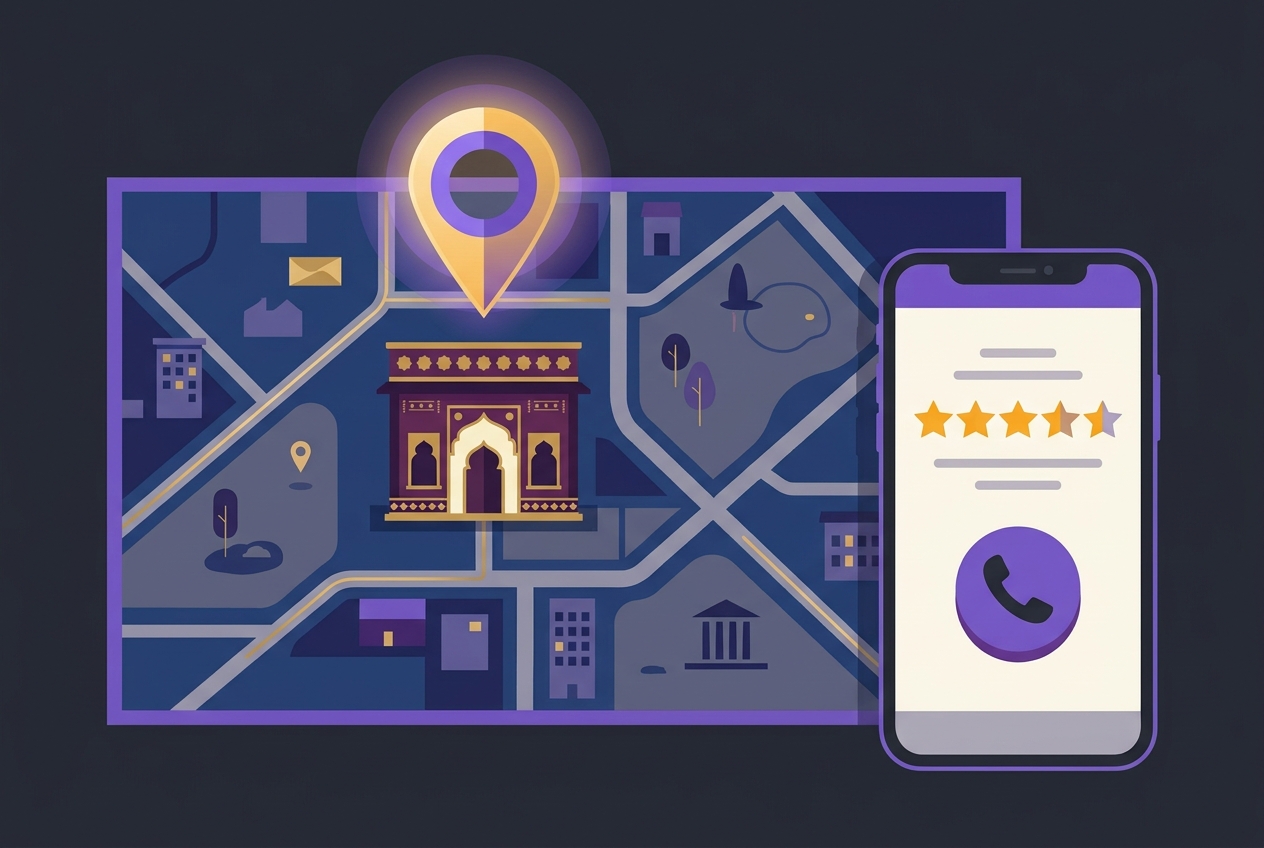
A customer in your city is searching "bakery near me" or "physiotherapist in Pune" right now. Google shows them a map with three businesses highlighted, the Local Pack, before any website links. If your business is not in that box, that customer does not know you exist, no matter how good your product is.
Most small business owners in India either have no listing at all, or claimed one years ago and never touched it again. Both situations are leaving customers on the table. This guide walks you through every step to set up, verify, and actually optimise your google business profile for small business, so you start showing up where your customers are already looking.
Key Takeaways
Why the Google Business Profile Matters More Than Your Website for Local Customers
This sounds strange coming from someone who also builds websites, but it is true for local intent searches. When someone types "AC repair near me" or "best saree shop in Surat," they are ready to call or visit today. Google shows them the map first. Your website might rank on page one, but the map box sits above it.
A listing with a phone number, hours, photos, and 40 good reviews will convert a searcher into a caller faster than a beautiful website with no local trust signals. That said, linking your GBP to a proper website still helps your ranking, so do not treat them as either/or. Think of your Google Business Profile as your front door on Google, and your website as the room behind it.
How to Set Up and Claim Your Listing on Google Maps
If you have never created a profile, go to business.google.com and sign in with a Google account you will actually use long-term. Search for your business name. If someone already created a listing for you (it happens on Justdial-synced data or older Google pulls), you will need to claim it. If nothing comes up, create a new one.
Step 1: Enter your core business information
Step 2: Verify your listing
Google needs to confirm the business is real and at the stated address. For most businesses in India, verification options are a postcard mailed to your address (arrives in 1-2 weeks), a phone call, or video verification. Follow the prompts Google gives you. Until you verify, your listing will not show publicly.
Some newer accounts get instant verification or video verification, where you record a short video of your shopfront, interior, and signage. Just follow Google's instructions on screen, it is straightforward.
What to Fill In After Verification: The Complete GBP Optimisation Checklist
Verification is just the start. A half-filled profile ranks poorly and converts even worse. Work through every section.
Business description
Write 150-300 words describing what you do, who you serve, and where. Include your city and neighbourhood naturally. Take a sweet shop in Indore as an example, a good description would mention "traditional mithai in Vijay Nagar," festival boxes, home delivery, and UPI payments accepted. Avoid copying from your website word for word.
Categories and attributes
Add secondary categories that reflect everything you offer. A beauty parlour might add nail care and bridal makeup as secondaries. Attributes like "women-led," "wheelchair accessible," or "accepts UPI" help customers and help Google match you to filtered searches.
Photos
Upload at least 10 photos when you start, and keep adding. Include your shopfront, interior, team, products, and finished work. Businesses with more photos genuinely get more engagement, Google itself says this in their guidelines. Use real photos, not stock. A dark, blurry photo does more harm than no photo.
Products and services
Many Indian business owners skip this section entirely. Do not. List every service you offer with a name, description, and price range if you are comfortable sharing it. A coaching centre in Jaipur listing "Class 10 Science Batch, starts June, limited seats" will show up in searches that a bare-bones profile never will.
How to Rank Higher in Near Me Searches
Near me searches are location-triggered queries where Google tries to show the most relevant, closest, and most trusted business. Three factors decide your ranking: relevance, distance, and prominence.
You cannot control distance, your shop is where it is. But you can control relevance by filling your profile fully and using the right categories. And you can build prominence through reviews, posts, and links from local websites and directories.
Getting reviews is the single most impactful thing most small businesses can do right now. After a customer pays, ask them directly: "If you liked the experience, a quick Google review really helps us." Send a WhatsApp message with your review link (find it inside your GBP dashboard under "Get more reviews"). A business with 60 genuine reviews will almost always outrank a competitor with 8, even if that competitor has been around longer.
Respond to every review, positive or negative. A polite, specific response to a negative review shows future customers you care and handle problems professionally. This is part of reputation management that too many businesses ignore.
Which Kinds of Businesses Benefit Most from GBP Optimisation?
Almost every local business benefits, but some see particularly fast results:
If you are a D2C brand shipping nationally, GBP matters less. But if even 20% of your revenue comes from local customers, you should have a fully optimised listing.
How to Keep Your Profile Active (and Why It Keeps Helping Your Ranking)
Google treats your profile like a living business signal. A listing with recent posts, new photos, and fresh reviews ranks better than one that was set up in 2021 and never touched. This is not just theory, it is something I notice consistently across businesses we work with.
Google Posts are short updates (like a social media post) that appear on your profile. Use them for offers, new stock arrivals, event announcements, or festive season promotions. A Diwali offer post in October, a new batch announcement in May, a monsoon menu addition, these take five minutes and signal activity.
Questions and Answers is another section most businesses ignore. Customers can ask questions on your profile. Answer them promptly. You can also pre-populate common questions yourself ("Do you accept home delivery?" "Is parking available?"). This saves customers the step of calling and reduces friction to visiting.
Update your hours for public holidays and festivals. Wrong hours on Diwali or Eid is one of the fastest ways to get a one-star review from a customer who showed up when you were closed.
Connecting GBP to Your Broader Local Presence
Your Google Business Profile does not work in isolation. Businesses that rank consistently well in the Local Pack usually have a few things working together: a decent website, consistent name-address-phone (NAP) details across all platforms, and mentions or links from local sources.
Make sure your business name, address, and phone number on your GBP exactly match what is on your website, Justdial listing, and social media pages. Even small inconsistencies, "Road" vs "Rd", different phone numbers, create confusion signals for Google.
For businesses that want to go further, a structured local SEO approach includes building local citations, getting featured in area-specific directories, and optimising your website pages for city and neighbourhood terms. Pairing that with SEO services for your website creates a much stronger overall presence than either alone.
And if you want faster results while your organic ranking builds, Google Search Ads targeting your city can run alongside your GBP, you pay per click, but you show up instantly for high-intent searches.
Common Mistakes to Avoid
Frequently Asked Questions
Is Google Business Profile free for Indian businesses?
Yes, completely free. There is no charge to create, claim, or maintain a listing. You pay nothing to Google for the profile itself. The only costs involved would be your own time, or if you hire someone to manage it for you.
How long does verification take in India?
Postcard verification typically takes 7-14 days to reach an Indian address. Video verification, where available, can be completed the same day. If your postcard does not arrive, you can request another one from your dashboard after the waiting period.
My business already appears on Google Maps but I did not create it. What should I do?
This happens often, Google creates listings from data collected across the web. You need to claim that listing as the owner. Search for your business at business.google.com, select it, and follow the claim process. Once verified, you control all the information.
How many reviews do I need to rank in the Local Pack?
There is no fixed number. Relevance, distance, and your overall profile completeness all play a role. That said, a rough starting benchmark is to aim for more reviews than your direct competitors in the same area. If the top three competitors have 20, 35, and 50 reviews, you need to get past 50 and keep going. Quality and recency matter too, not just volume.
Should I respond to negative reviews publicly?
Yes, always. A calm, professional response shows potential customers you take feedback seriously. Acknowledge the issue, apologise if appropriate, and offer to resolve it offline ("Please call us at X so we can sort this out"). Never argue or get defensive, other readers are watching.
Final Thoughts
A well-maintained google business profile for small business is genuinely one of the highest-return marketing activities you can do, and it costs nothing to start. Getting your business on Google Maps, building reviews, adding photos, and posting regularly, these are actions you can begin this week with no budget.
If you want help setting this up properly, connecting it to a website, or building a fuller local SEO strategy that compounds over time, we are happy to take a look at your current situation. Reach out for a free consultation, no pressure, just a practical conversation about what would actually move the needle for your business.
More in Grow Business Online
How to Grow Your Business Online in India: A Practical Step-by-Step Guide
Read articleHow to Take Your Offline Shop Online Without Losing Walk-In Customers
Read articleHow to Rank in 'Near Me' Searches: Local SEO That Brings Footfall
Read articleHow to Rank in 'Near Me' Searches: Local SEO That Brings Footfall
Read articleHow to Build a Business Website That Actually Brings Customers
Read articleHow to Grow a Small Business Online on a Tight Budget
Read articleBook a Free Consultancy Call
Get personalized advice from Brand Ur Business experts on the topics covered in this article